After being away from the implantation site. I decided to go back to the applications that allow us to have a little more control of our assets.
In this opportunity the basic assembly of HIDS based on Wazuh.
The installation was done with Ubuntu Server 22.04 with the minimum installation option.
First step, update and install the prerequisites:
sudo apt update
sudo apt install vim curl apt-transport-https unzip wget libcap2-bin software-properties-common lsb-release gnupg2

In my case, create a folder called «wazuh» execute:
curl -sO https://packages.wazuh.com/4.3/wazuh-install.sh
Later and the most important part. I start the installation (good time to go for a coffee).
sudo bash ./wazuh-install.sh -a
Automatically, it will perform the whole process and will enable the admin user and password.
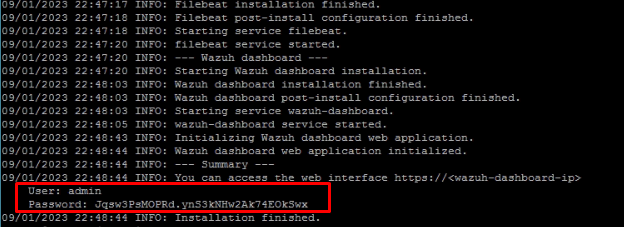
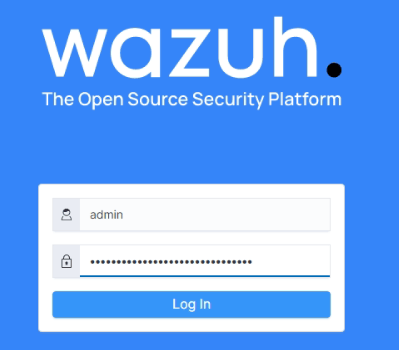
To access just enter via web with the IP of our server https://192.168.50.1 (only example)
Next steps (Coming soon) :
- Install agents (linux, windows, mac, others)
- Enable API, example Virustotal, Mitre, Office365
- Create Dashboard
- Create Reports
- Create Alert / Monitor
Important resources
https://github.com/wazuh/wazuh/wiki/Proof-of-concept-guide#version
 nuxi3s.tech.blog